
Status Effects: Recognizing Debuffs and Recovering
Check the Status screen or the in-game Guide when an effect changes movement, damage or available actions. Launch-version notes distinguish ailments
FAQ
Which ailments affect movement and resources?
Why can throwing or magic stop working?
Which ailments affect movement and resources?
The mechanics guide describes Heavy as slower movement and slower Power Meter regeneration, while Paralysis prevents movement and attacks. Check the actual status rather than assuming a broken key binding when several actions stop responding at once.
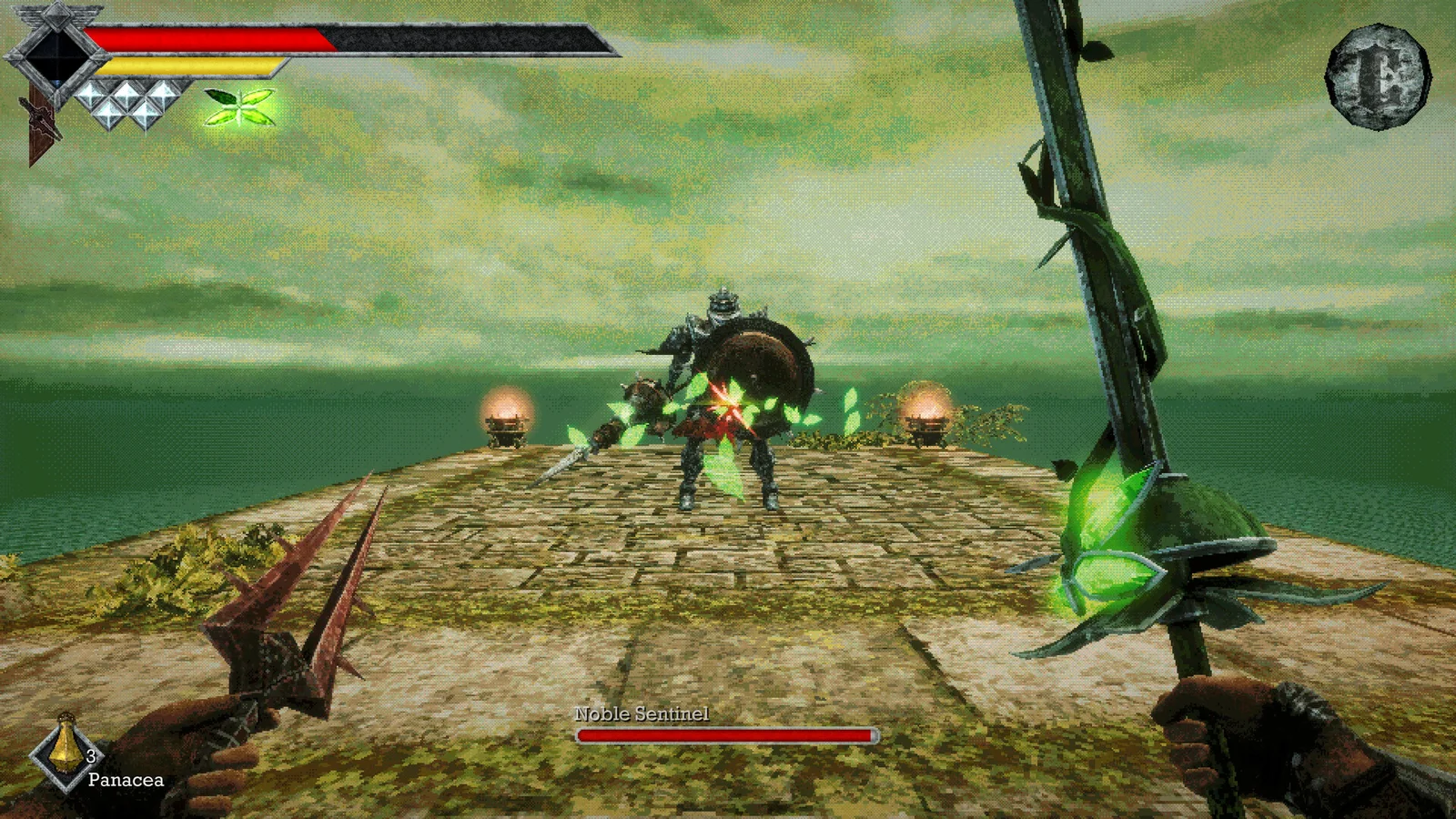
Why can throwing or magic stop working?
Sticky prevents throwing weapons, while Binding prevents magic and magical weapon abilities. Those are different restrictions. Check status alongside the separate charged-attack restriction before deciding whether you lack charges, are holding a charge or are affected by an ailment.
How should you recover?
Use the current item descriptions and rest when appropriate. The guide reports that many effects expire over time, but does not establish a single duration shared by all ailments. Poison, Azure Flame and Magic Rot affect health, so waiting is not automatically a safe choice.
Related guides
Related Articles
combat
Power Meter and Charged Attacks: Avoiding Weak Swings
Let the Power Meter recover before expecting a strong melee hit, and stop running when you need it to refill. Launch guides explain that running
combat
Shrine Guardian: First Boss and Holy Sword Endu
Bring the shrine key, charged throwing daggers and quick-slot healing before entering the coastal shrine. Give the Guardian’s overhead strike extra
exploration
Endu Shrine Gate Key: Underground Route and Elevator Exit
Recover the Endu Shrine Gate Key from the underground shrine before returning to the coastal gate. The opening route uses dagger-operated diamond
Was this helpful?
Thanks for the feedback!